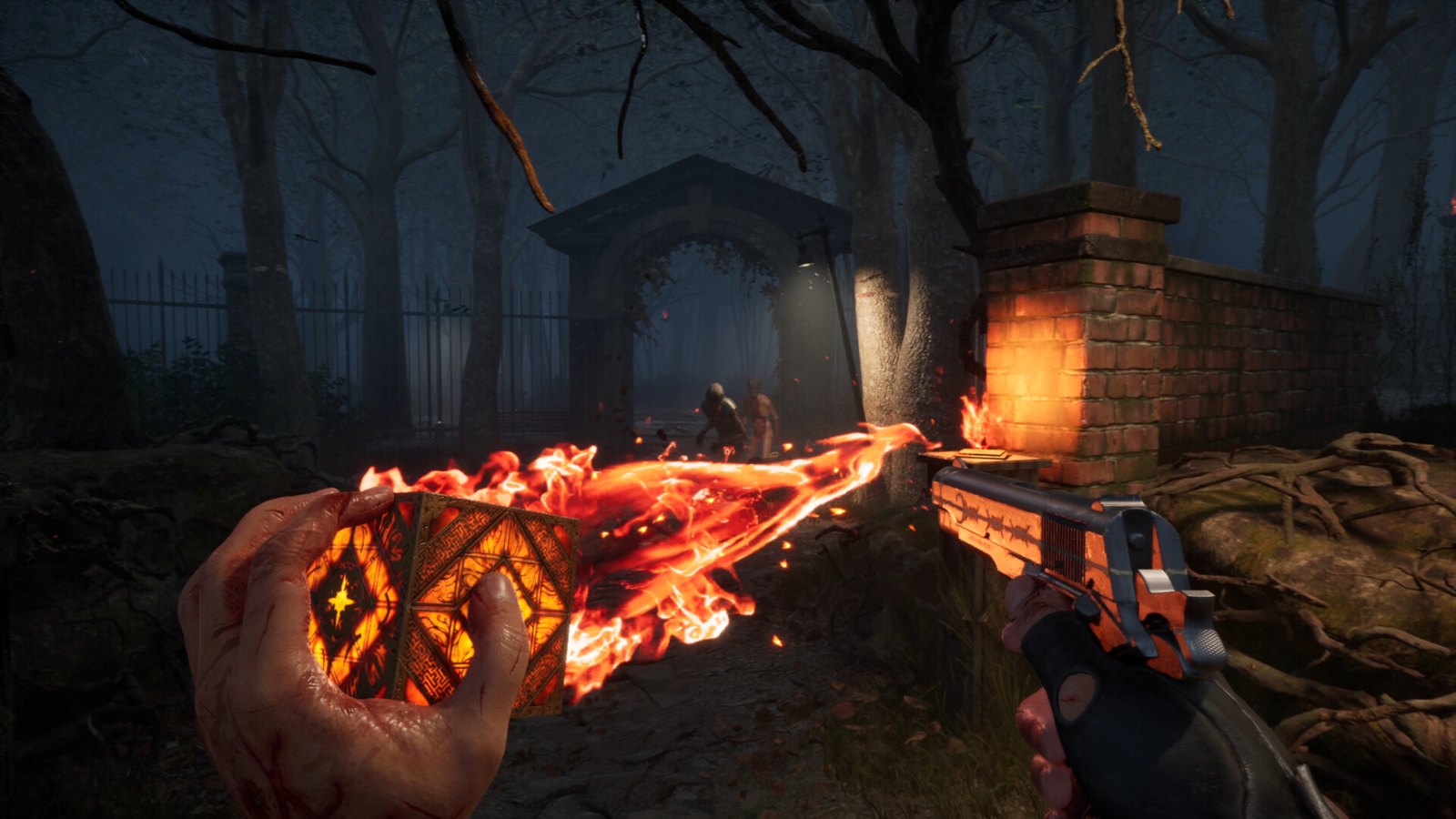
The Hellraiser: Revival demo is available on Steam and covers the Prologue plus a portion of Episode 1. Demo progress does not transfer to the full game. Use it to sample the opening and basic mechanics, rather than to start a save you intend to continue after buying.[1][2]
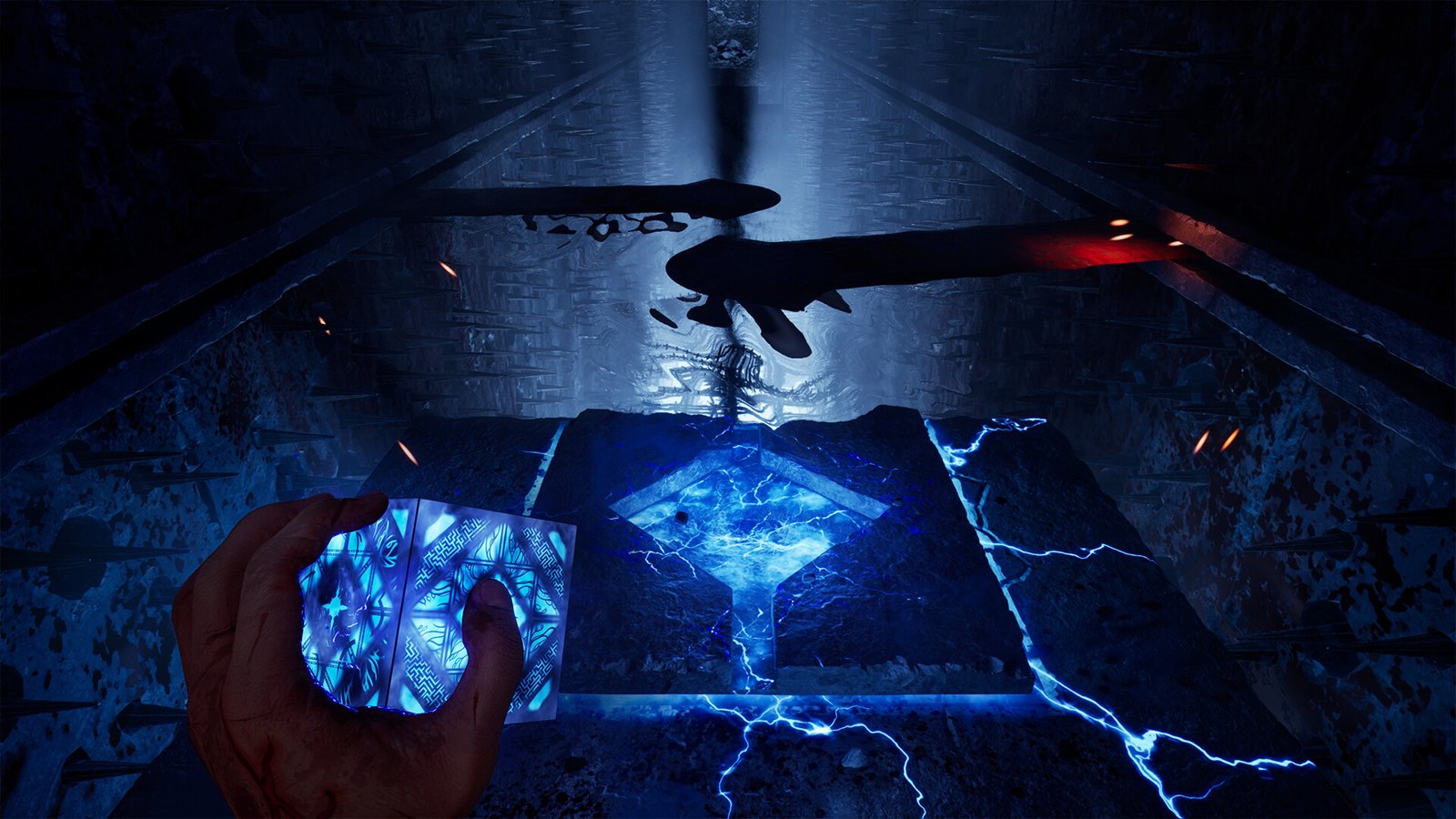
Where to get the demo
Open the official Steam demo page and select Install Demo. Steam lists it as a free demo. Saber’s FAQ confirms Steam availability; that confirmation should not be read as an announcement of a demo for every platform receiving the full game.[1][2]
Before installing, check the PC requirements and storage comparison. The demo lists 50 GB available space, while the full game lists 80 GB. Both recommend an SSD, so the smaller demo storage requirement should not be mistaken for a separate, lower hardware tier.[1][3]
What you can play
The demo begins with the Prologue, following Aidan into the Labyrinth. It then includes a portion of Episode 1, involving the Scarlet Church. The listing does not describe a complete Episode 1, so keep that boundary in mind when deciding how much of the opening you will experience.[1]
Its stated mechanical coverage is an introduction to puzzle solving, crafting and combat. A useful way to approach that sample is to assess whether those basic activities appeal to you, without expecting the opening slice to demonstrate the full range of equipment and abilities.[1]
What the full-game description adds
The demo listing points to the full game for Genesis Configuration powers, a broader arsenal with weapon upgrades, and more complex puzzle solving. Steam’s full-game description also emphasizes combining the Configuration’s abilities with conventional weapons. Those descriptions establish the broader experience, without specifying that every advertised system receives a substantial demonstration in the demo.[1][3]
For later reference, use the firearms and upgrades guide and crafting checklist. When deciding whether to buy, distinguish liking the introductory combat and crafting from wanting to explore the additional systems the full-game listing describes.[1]
Save transfer and the build caveat
The demo page explicitly says that progress will not carry over. Plan your demo session around evaluation, rather than completion work intended to advance a future full-game save.[1]
It also identifies the demo as a pre-release build, warning of possible bugs, performance issues and unfinished content. Treat any problems you encounter as observations about that build; the warning does not establish either that the released game shares them or that every issue has been fixed.[1]
If you are ready to purchase, the release, platforms and editions reference separates Steam edition contents from physical formats and the later Nintendo Switch 2 physical release.[3][2]